How do I apply my paid seat to an expert profile?
Updated 1 min read
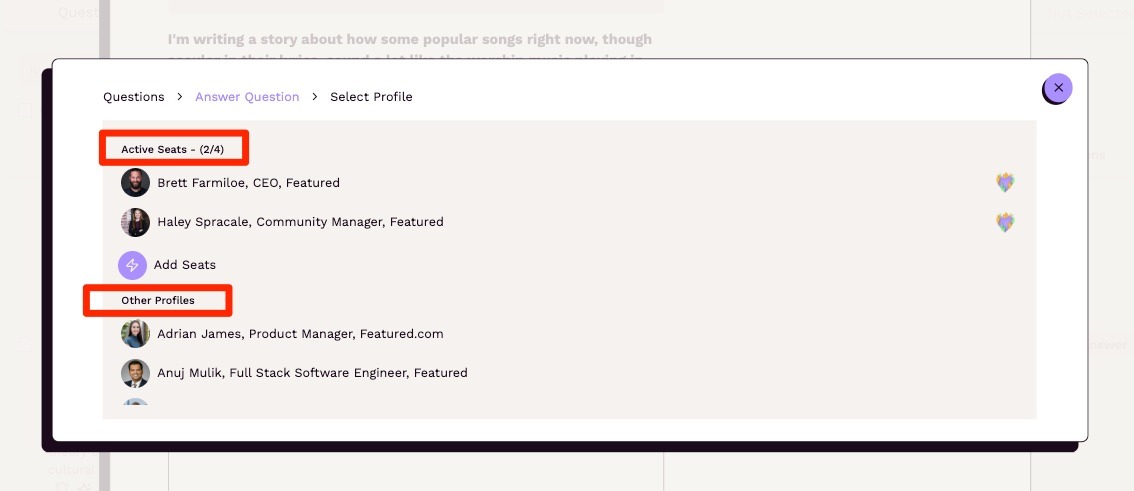
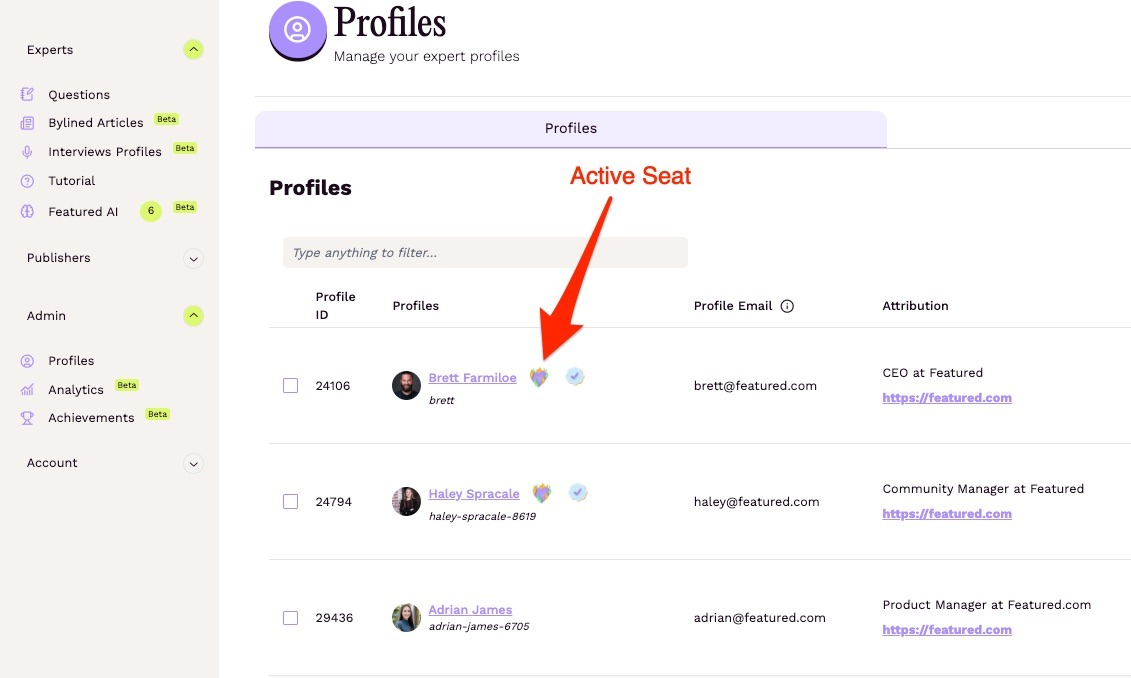
A paid seat is applied to a profile once you submit an answer, submit a bylined article, or request an interview from said profile. That profile will then show it has an Active Seat associated with it, which can be viewed on your Profiles page: https://connectively.us/admins/profiles.
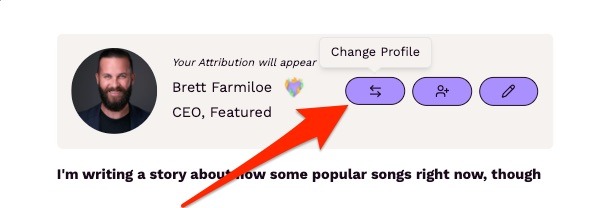
To apply your paid seat, from the Questions page, click Answer for a query you'd like to respond to. At the top of the pop-up, there should be a drop-down labeled "Profile (Answer attributed to):". You can use that drop-down to pick between your profiles. Select the profile you want to use, type your response, and submit.