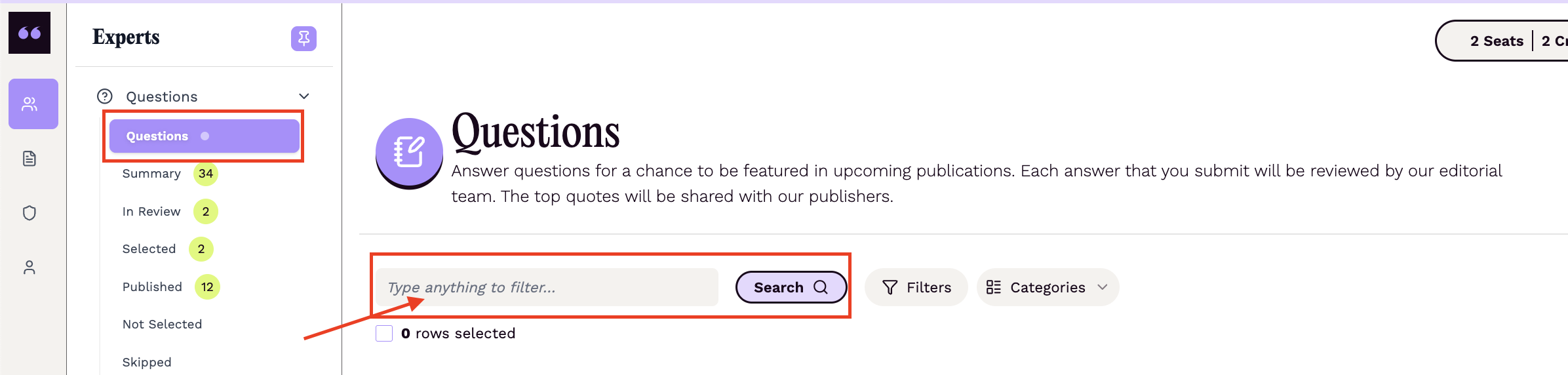
Can I search for questions? I don't see a search field
Updated 1 min read
On the Questions page of your Connectively account, you should see a search field. You can search by keyword or publisher name.
If your account uses the new search, the Questions page shows a Show Advanced Search button (or press ⌘K) instead of a plain search field. Click it to open the search box. Select Switch to classic search to go back to the classic search field, and Try the new search to switch again.